
Best Telegram Bots for Channel Management (That Actually Work)
Last updated: October 2026
Choosing the best telegram bots for channel management is less about flashy features and more about stability, API reliability, and precise rule execution. For agencies and channel owners who have been burned by spam floods or inaccurate data, the right bot stack is a critical asset. This guide compares top-tier bots for moderation, analytics, and content scheduling, focusing on the technical mechanics that separate professional tools from amateur ones.
Best telegram bots for channel management: Automated software accounts that integrate with Telegram's Bot API to perform administrative tasks like moderating users, scheduling posts, and tracking analytics. Why it matters: These bots allow channels to scale operations, maintain quality control, and protect the community from spam and abuse without constant manual intervention.
Key Takeaways
- Automate Defense: Implement rule-based moderation bots like Combot or GroupHelp to automatically filter spam, links, and floods, securing your channel 24/7.
- Systematize Content: Use a scheduler like ControllerBot to format posts with buttons, schedule publication for peak hours, and maintain a consistent content cadence.
- Measure Growth: Track key performance indicators like follower growth, engagement rates, and post reach with dedicated analytics bots like TGStat to make data-driven decisions.
- Prioritize Reliability: Select bots based on their update frequency, API integration stability, and clear permission requirements, not just the length of their feature list.
Beyond BotFather: Anatomy of a Professional Management Stack
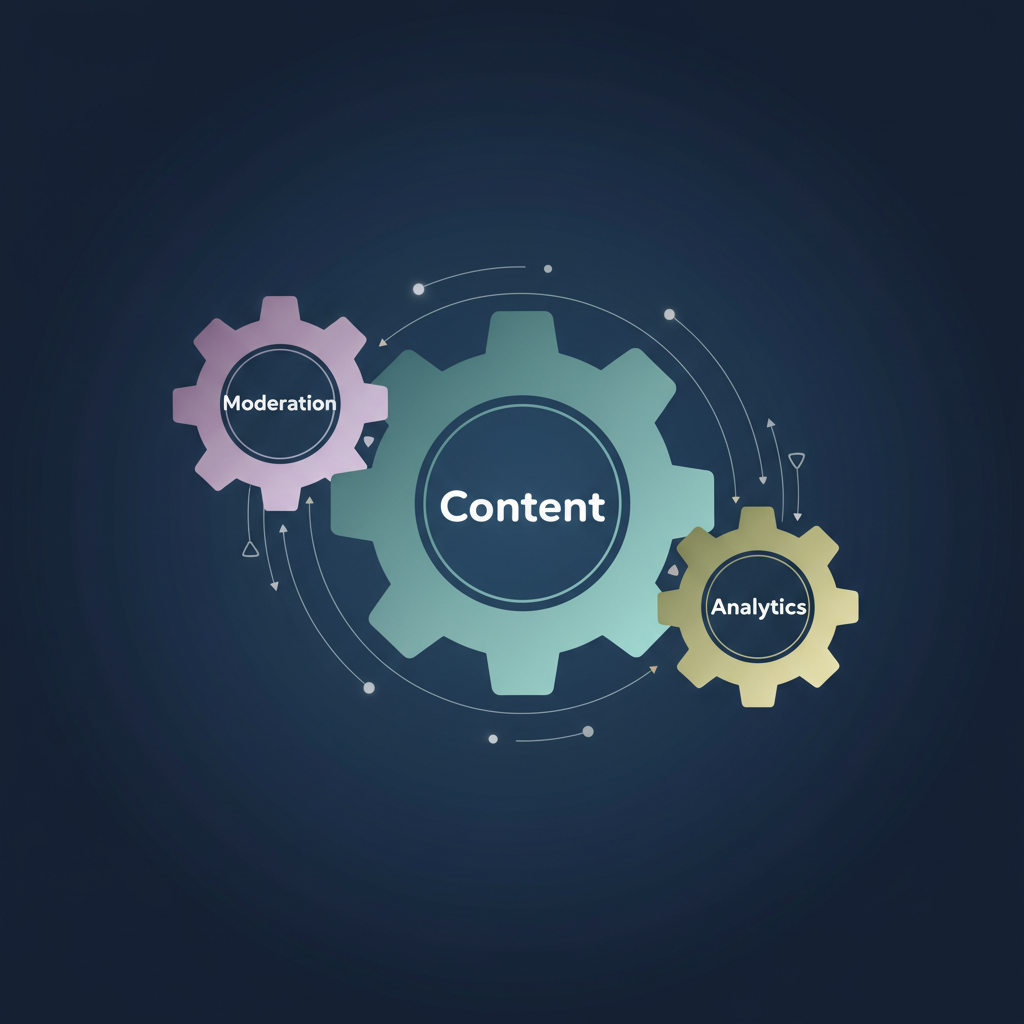
Every Telegram bot starts its life via BotFather, the official bot for creating and managing bot accounts. However, BotFather only provides the API token; it does not perform any management tasks itself. A professional channel operation depends on specialized third-party bots that handle the heavy lifting. These tools fall into three core categories: moderation, content, and analytics.
A robust stack integrates bots from each category to create an automated, resilient management system. Relying on a single, all-in-one bot can create a single point of failure. By contrast, a multi-bot approach ensures that if one service has an issue—for example, a delayed API response—it doesn't bring down your entire operation.
Moderation Bots: Your First Line of Defense
For any channel with an associated discussion group, moderation is the most critical function. Unchecked spam, malicious links, and user flooding can destroy a community's credibility overnight. Effective moderation bots operate on a rules-based logic engine, automatically deleting messages or banning users that violate predefined criteria.
Two of the most reliable options in this space are Combot and GroupHelp.
- Combot (@combot): This is an enterprise-grade solution with deep analytics, a complex trigger system, and reputation tracking. Its primary strength is its granular control and extensive logging. However, its most powerful features are locked behind a subscription, making it a better fit for large, monetized communities where the cost is easily justified.
- GroupHelp (@GroupHelpBot): An extremely powerful and largely free alternative. GroupHelp excels at anti-spam, anti-flood, and specific rules (e.g., blocking messages in non-Latin scripts). While its web dashboard is less polished than Combot's, its execution speed and filter accuracy are top-tier.
Effective channel management isn't about having the most features; it's about having the most reliable filters. A bot that crashes during a raid or has a 5-second delay in filtering is a liability, not an asset for a professional channel.
Here’s how they compare on core moderation tasks:
| Feature | Combot | GroupHelp | Best for |
|---|---|---|---|
| Anti-Spam | Excellent, with AI options | Excellent, highly configurable | Both are strong; GroupHelp is more aggressive out-of-the-box. |
| Anti-Flood | Highly configurable | Very effective, simple setup | GroupHelp for quick and powerful protection. |
| Pricing | Freemium / Subscription | Mostly Free | GroupHelp for budget-conscious admins; Combot for enterprise needs. |
| Analytics | Deep user-level data | Basic moderation stats | Combot for detailed community behavior analysis. |
| Setup | Web dashboard, more complex | Web dashboard, straightforward | GroupHelp for faster deployment. |
62% — The proportion of phishing attacks detected in messengers that occurred on Telegram in 2022. (Kaspersky, 2023). This volume of malicious activity makes automated moderation non-negotiable.
How much do Telegram management bots cost?
The cost of Telegram management bots ranges from completely free to over $50 per month for premium features. Most top-tier bots operate on a freemium model. For example, Combot offers basic moderation for free but charges a monthly subscription starting around $6 for analytics and advanced features. GroupHelp provides the majority of its powerful moderation tools for free. Analytics bots like TGStat are also free for public data but may charge for API access or competitor analysis tools. The return on investment for a paid bot is clear: the monthly fee is a fraction of the cost of the manual labor required for moderation or the reputational damage from a successful spam attack.
Content Scheduling & Formatting Bots
Consistency is a primary driver of channel growth. Manually posting content at optimal times is inefficient and prone to error. Content scheduling bots solve this by allowing you to prepare and queue posts in advance.
ControllerBot (@ControllerBot) is the industry standard for this purpose. It acts as a proxy, using the Bot API to publish content to your channel. Its key functions include:
- Post Scheduling: Queue up posts to be published at a specific date and time.
- Rich Formatting: Create posts with URL buttons and inline reaction buttons, which are not available through the standard Telegram client.
- Message Editing: Edit scheduled or even published messages directly through the bot.
- Admin Management: Add other users as editors who can manage content through the bot without giving them full admin rights to the channel itself.
Setting up ControllerBot involves creating your own bot via BotFather and then connecting it to ControllerBot. This process ensures that the posts appear to come from your custom-named bot, adding a layer of professionalism.
When granting admin rights, always use the principle of least privilege. According to Telegram's own Bot API documentation, a bot only needs the specific permissions required for its function, such as 'delete messages' for a moderator bot. Source: Telegram Bot API Documentation
Analytics Bots: Measuring What Matters
Telegram's built-in channel analytics provide basic follower counts and view numbers, but they lack the depth required for serious strategic decisions. Third-party analytics bots fill this gap by scraping public data or logging internal activity.
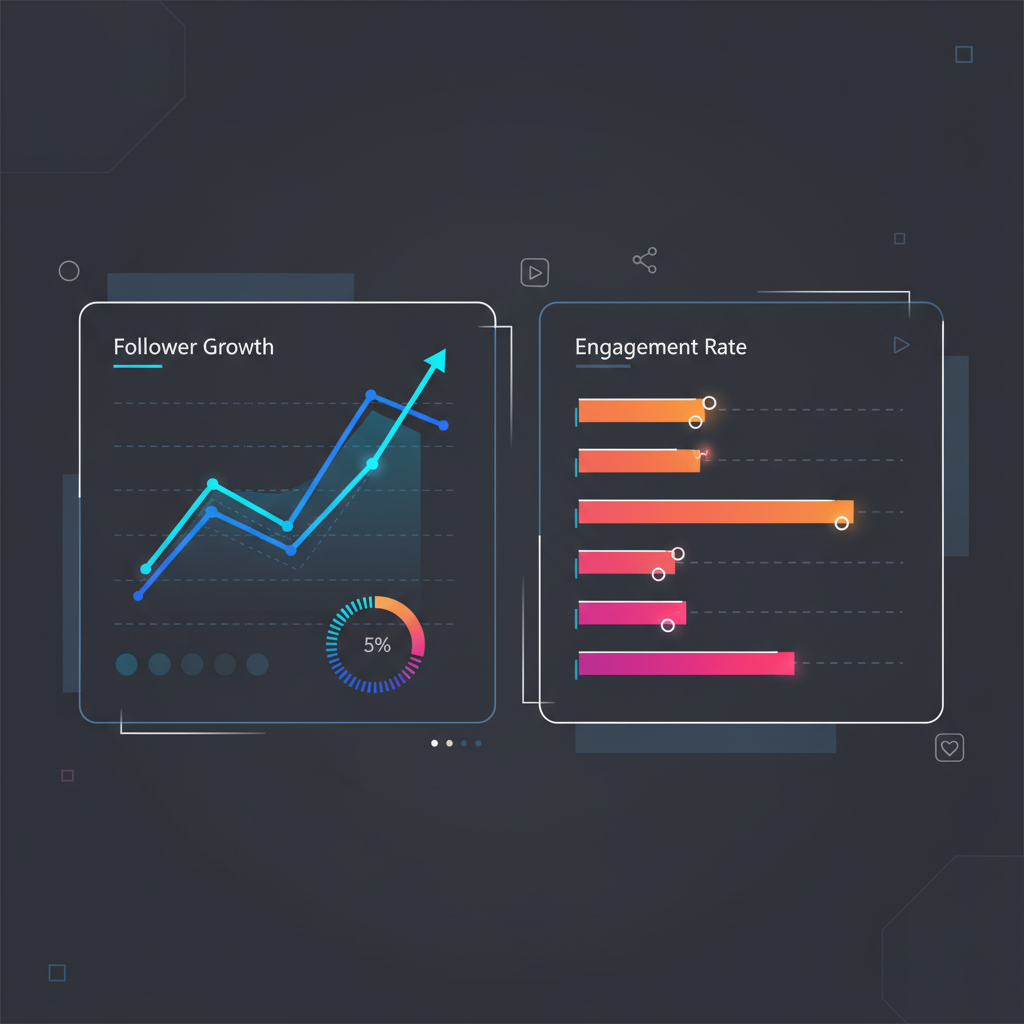
- TGStat (@TGStat_Bot): This is the definitive tool for public channel analytics. It tracks follower growth over time, calculates Engagement Rate (ERR), indexes channel mentions across Telegram, and provides audience citation indexes. Because it scrapes public data, it can analyze any public channel, not just your own. This makes it invaluable for competitor research.
- Combot Analytics: As mentioned earlier, Combot’s paid tiers provide deep internal analytics for the groups it manages. It tracks active users, message volume by hour, user-specific activity levels, and more. This data is for understanding your community's behavior, not just your public reach.
TGStat provides essential public-facing metrics like follower growth and ERR, but for internal diagnostics—like identifying your most active users or peak engagement times—a bot with logging capabilities like Combot is indispensable.
800 million — Telegram's monthly active users as of mid-2023. Source: Reuters, 2023
This massive user base means channels are competing in an increasingly crowded space. Using analytics to find an edge is no longer optional.
How to Add and Configure a Management Bot
Here is a step-by-step guide to setting up a powerful moderation bot like GroupHelp in your channel's associated group.
- Find the Bot: Use the Telegram search bar to find the official
@GroupHelpBotand start a chat with it. - Add to Group: Go to your group's settings, select 'Administrators,' and 'Add Admin.' Search for
@GroupHelpBotand add it. - Grant Permissions: The bot requires specific permissions to function. Grant it rights to 'Delete messages,' 'Ban users,' and 'Pin messages.' Avoid granting it 'Add new admins.'
- Open Settings Panel: In your group, send the command
/settingsor/reload. The bot will respond with a link to its private web-based control panel. - Configure Rules: Use the web dashboard to enable and customize rules. Start with the 'Anti-spam,' 'Anti-flood,' and 'No links' filters.
- Test Configuration: To confirm the bot is working, try posting a message that should be blocked (e.g., a test link if you've banned links). The bot should delete it instantly.
FAQ
Can Telegram bots read all my channel messages?
A bot can only read messages if it's an administrator in the channel or group. In groups, you can disable a bot's access to messages via BotFather's privacy mode. However, moderation bots require message access to function. Only use trusted bots from reputable developers.
Will using too many bots slow down my channel?
No, bots do not impact your channel's performance. They operate via API calls to Telegram's servers and do not run 'on' your channel. The only potential bottleneck is API rate limiting, which is managed by the bot developer and Telegram, not the user.
Are management bots safe for my channel?
They are safe if you follow best practices. Only use well-known, reputable bots. Never grant a bot more permissions than it needs. A moderation bot does not need permission to add new admins, for example. Always verify you are adding the official bot and not a malicious clone.
What's the difference between a bot for a group and a channel?
Channel bots are primarily for posting content (like ControllerBot) or tracking public stats (like TGStat). Group bots are interactive and focus on managing users, moderating chat, and facilitating community engagement (like Combot or GroupHelp). Most channels use a combination for content and community management.
What to do this week
- Audit your moderation workflow. Are you or your admins manually deleting more than five spam messages per day? If so, your time is being wasted. Install a moderation bot.
- Deploy GroupHelp in a test group. Configure its anti-flood and link-filtering rules. See how it handles common spam tactics before deploying it to your main community group.
- Set up ControllerBot for your primary channel. Schedule your next three posts through it to test the workflow for formatting and timed publication.
- Check your channel's public statistics on TGStat. Establish a baseline for your follower growth and Engagement Rate per post (ERR). Track this weekly.